

A content project rarely stays in one place anymore.
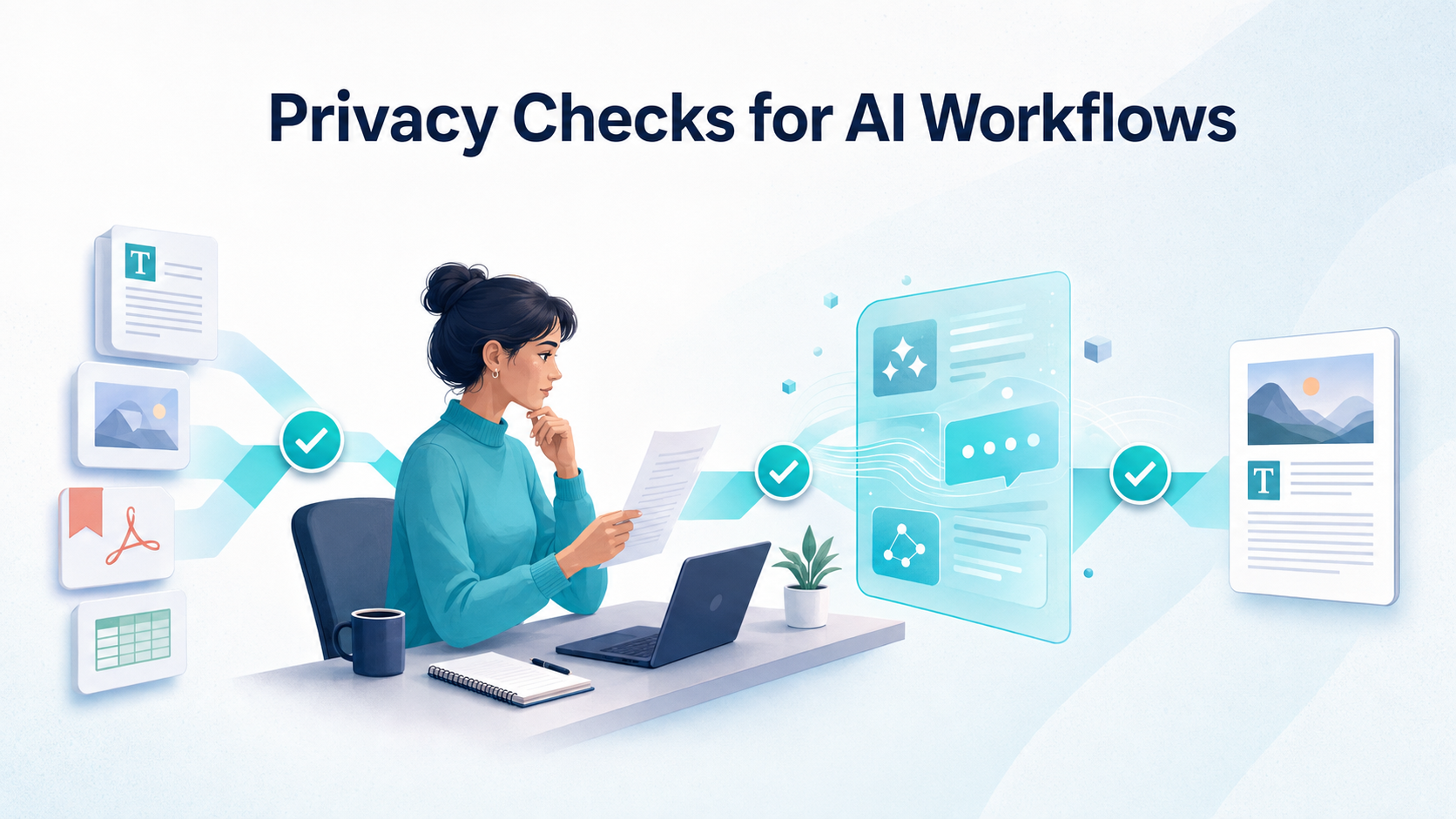
A writer may begin with search results, move ideas into an AI assistant, organize the output in a cloud document, send it through a messaging platform, and upload the final version to a content management system. Images, interview notes, spreadsheets, and client comments may pass through several more tools along the way.
That workflow is convenient, but every additional account, browser extension, shared folder, and collaboration link creates another place where information can be exposed or mishandled.
This does not mean creators should stop using AI. It means privacy needs to become part of the workflow rather than something considered after publication.
Start by mapping where the content travels
Choose one recent project and trace its path from beginning to end.
Where did the initial research happen? Which AI tool received the prompts? Was the draft moved into Google Docs, Microsoft 365, Notion, or another platform? Who received access, and was that access later removed? Where were images and downloaded files stored?
This exercise often reveals that the biggest privacy risk is not one dramatic security failure. It is the number of small transfers that nobody is actively tracking.
A freelance writer working from home may have fewer concerns than an agency employee moving between client accounts, shared drives, coworking spaces, and several AI platforms. The safeguards should reflect the actual workflow rather than a generic idea of online privacy.
Network protection is one layer of that process. A creator who regularly works through Chrome on café, hotel, or coworking networks may use a VPN extension for Chrome to encrypt browser traffic routed through the extension. X‑VPN is one provider offering this type of browser-based tool.
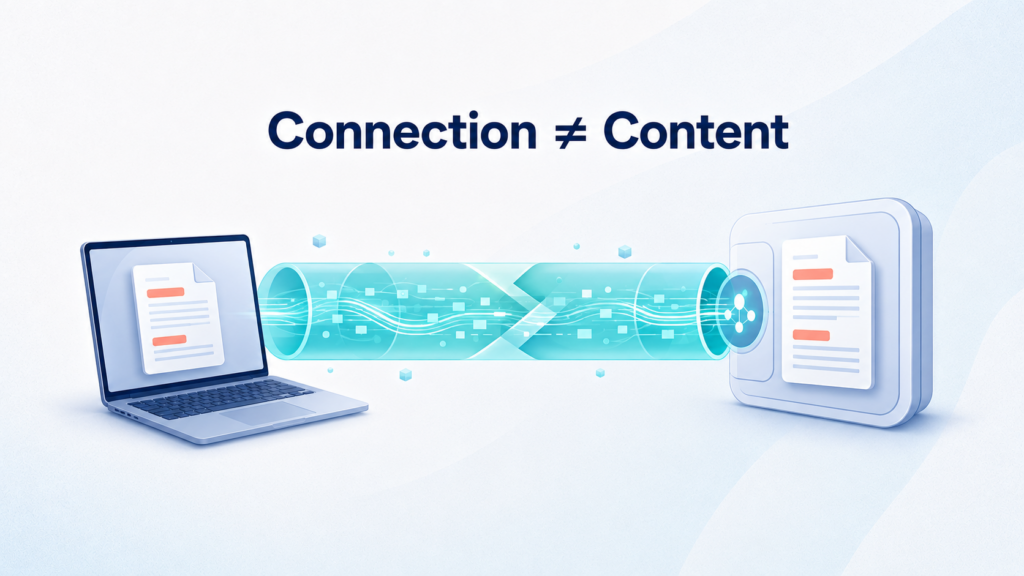
The limitation matters, however. A browser extension may protect traffic inside the browser, but it normally does not cover unrelated desktop applications. A VPN also cannot control what an AI platform does with information after the user intentionally submits it. Those are separate privacy questions.
Decide what should never enter an AI prompt
AI tools make it easy to paste source material into a prompt and ask for a summary, rewrite, analysis, or new draft. That speed can encourage people to share more context than the task requires.
A prompt should never contain passwords, API keys, unpublished financial information, employee records, or customer details unless the company has specifically approved that use. The same caution applies to confidential product plans, contracts, private campaign results, and documents covered by a nondisclosure agreement.
Writers should also think carefully before uploading full interview transcripts. A transcript may contain off-the-record comments, personal contact information, or observations that were never intended for publication.
Removing a person’s name can help, but it does not always make the material anonymous. A combination of job title, location, company size, and project details may still reveal who the person is.
A better question is not simply, “Can I hide the name?” It is, “Does the AI tool need this information to complete the task?” Often, it does not.
Review the platform’s current data controls
AI services do not all handle user input in the same way. Their policies may also differ between free accounts, individual subscriptions, business plans, API products, and temporary-chat features.
Before using a tool for client work, find out whether submitted content may be used to improve the service and whether that use can be disabled. Check how long conversations and uploaded files may be retained, what deletion controls are available, and whether business accounts receive different data treatment.
These settings can change, so a privacy-policy summary written a year ago may no longer be reliable. The platform’s current documentation should be the starting point.
It also helps to separate low-risk and high-risk tasks. Generating ten headline ideas from a public article is very different from asking an AI tool to analyze an unpublished client strategy. A team might allow the first task while requiring an approved business platform or human review for the second.
The important point is to make that distinction before an employee pastes the material into a prompt.
Audit browser extensions and permissions
Content professionals tend to collect browser extensions. Grammar assistants, SEO tools, screenshot utilities, research organizers, writing aids, and social-media schedulers can all become part of the average workday.
Some extensions need access to the pages a user visits or the text entered into them. That access may be necessary for the extension to function, but it still deserves attention.
Open the browser’s extension manager and review what is installed. Remove tools that are no longer used. For the remaining extensions, check who publishes them, what permissions they request, and whether they need access to every website.
An extension designed to work on one publishing platform may not need permission to read and change data across the entire web. Users should also notice when an update requests broader access than an earlier version.
Separating personal and client work into different browser profiles can make this easier to manage. It reduces accidental logins, limits which extensions run during sensitive work, and makes client access easier to remove when a project ends.
Protect the accounts connecting the workflow
Even the most carefully reviewed privacy policy cannot protect an account when its password is reused and compromised elsewhere.
Every important writing, storage, publishing, and communication account should have a unique password. A password manager makes this realistic, while multifactor authentication adds another barrier if a password is exposed.
Account recovery deserves attention as well. An old email address or inactive phone number can turn a routine login problem into a serious interruption. Teams should periodically review active sessions, connected applications, shared accounts, and recovery methods.
This is particularly important for agencies and distributed teams. Someone who left a project months ago may still have access to a folder, analytics account, social profile, or publishing system simply because nobody completed an offboarding check.
Good privacy practices are often less about adding new software and more about closing access that should already have ended.
Treat unexpected collaboration links with caution
Content work produces a constant stream of invitations: review this document, download these images, check the revised brief, or approve the final article.
Attackers can imitate these familiar messages because they know recipients are accustomed to clicking quickly.
A request deserves extra scrutiny when the sender’s address is almost—but not quite—correct, when the message creates unnecessary urgency, or when the recipient is asked to sign in again through an unfamiliar page. Shortened URLs, unexpected file types, and document invitations from platforms a client does not normally use are also reasons to pause.
When a message seems unusual, contact the sender through a known channel instead of replying directly. It is also possible to check an unfamiliar link before opening it, although an automated result should be treated as one signal rather than a guarantee that a page is safe.
If the invitation claims to come from an established collaboration platform, open that platform directly and look for the document there. This takes slightly longer than clicking the email, but it avoids relying on the message itself to prove that it is legitimate.
Control drafts, downloads, and sharing permissions
Not every privacy problem comes from an attacker. Many begin with ordinary mistakes.
A document may be set to “Anyone with the link” when only three people need it. A final draft may contain comments that reveal internal discussions. A downloaded spreadsheet may remain in an unprotected folder after the project ends. An old public link may continue working long after publication.
Before sharing a document, confirm exactly who can open it and whether recipients can view, comment, or edit. Check whether comments, suggested edits, or revision history expose anything that should remain private.
File management also matters. A naming system based on “Final,” “Final 2,” and “Really Final” makes it surprisingly easy to send the wrong document. Dates, version numbers, or approval status provide a clearer record of which file is ready to use.
Once the work has been delivered, remove duplicate exports and revoke access that is no longer needed. Keeping every draft forever may feel cautious, but it also preserves information long after it has stopped being useful.
Build a five-minute pre-publication review
Privacy does not need to become a complicated approval process for every blog post. A short final review can catch many common errors:
- Search for client names, email addresses, phone numbers, and internal notes that should not be public.
- Remove comments and tracked changes that are not part of the final article.
- Confirm that quotations and personal details were approved for publication.
- Test external links and examine unexpected redirects.
- Review image rights, captions, and embedded information where relevant.
- Check the document’s sharing permissions.
- Delete unnecessary exports and duplicate working files.
- Record which AI tools were used if the client or publisher requires disclosure.
The review should match the sensitivity of the project. A public product roundup does not require the same controls as an investor report, legal article, or interview-based company profile.
Privacy works best in layers
There is no single privacy button for modern content creation.
Platform settings affect how submitted material may be retained or used. Browser permissions determine what extensions can access. Strong account security reduces unauthorized entry. Careful sharing controls limit who can view a draft. Network protection covers data in transit, while human review catches contextual mistakes that software may miss.
AI can make content work faster, but speed should not remove the pause between “paste” and “submit.” The most useful privacy habit is also the simplest: understand what information is moving, where it is going, and whether it truly needs to be there.











Discussion about this post