


PDFs are the unsung heroes of our digital paperwork. Most people will never go beyond opening a file, which is a very simple task. Nevertheless, editing pages, securing confidential data, or formatting files for sharing generally consume more time than they ought to. The truth is that it’s simply a question of using the right method.
This guide delves into the different functions of PDF files and presents a practical way of dealing with them, covering the complete process of reading, editing, converting, protecting, and optimizing files with the support of some handy tools and simple best practices.
Understanding PDF Files: The Basics You Should Know
Before we go into the specifics, it helps to understand what makes PDFs so widely used in the first place. After all, the PDF market size is expected to reach $2.66 billion in 2026, further growing to $7.12 billion by 2035, at an estimated CAGR of 14.7%.
What a PDF File Is and Why It Matters
PDF means Portable Document Format. It’s a file format that aims to keep the same layout, fonts, images, and overall design of a document, regardless of the device or application used to open it. In fact, if a PDF is accessed via a smartphone, a tablet, or a desktop computer, it will still look and feel like the original file.
The idea behind PDF was to make sharing files easier. However, they became a de facto global standard. The main issue that was fixed by PDFs was where a file would look good on one machine but would be corrupted on another. This very consistency made PDFs the most trustworthy means of communication in the business, academic, and official worlds.
The Benefits and Limitations of PDF Files
PDFs have several clear benefits, which include:
- Consistent format regardless of the device.
- Robust security features, such as passwords and encryption.
- Wide compatibility with operating systems and browsers.
However, PDFs are far from perfect. Editing can be more challenging than in Word documents, and bulky files may be difficult to share. Being aware of both sides gives you the freedom to choose the most suitable option for each task you undertake.
Everyday Situations Where PDFs Are Used
You can find PDFs almost everywhere: in business proposals, resumes, academic papers, legal contracts, government forms, instruction manuals, and even creative portfolios. Their versatility is the main reason why being able to work with them efficiently is such a valuable skill.
How to Work with PDF Files Efficiently

Once you’ve successfully deciphered the basics, the next step is learning how to handle PDFs in real-world situations.
- Opening and Reading PDFs on Any Devices
Most modern gadgets can open PDFs without the need for a separate application, but dedicated readers offer more control. Popular features can include zooming in, searching by keywords, bookmarks, and reading aloud for people with disabilities.
The ability to use any device is perhaps the greatest advantage of the PDF format. Hence, one can begin to read a file on a laptop, then continue on the phone and have the same formatting. Accessibility tools like screen readers and variable text scaling are some of how PDF files have become more user-friendly for people with visual impairments.
- Editing PDF Files Made Simple
Editing was the most frustrating aspect of dealing with PDFs, but that has changed. Now, tools empower you to change text, swap images, move pages around, and even fix formatting mistakes.
Online tools are a great pick for quick tasks. For instance, if you want to reorder a long document, it’s usually much quicker to use SmallPDF to cut PDF pages than to open and edit the whole file. A desktop program is the right choice when you want to make a complex modification, but a web-based solution is often sufficient for your daily needs.
- Adding Comments, Highlights, and Annotations
Annotations make PDFs a collaborative doc. Highlight the key passage, add a comment, or mark the section as review without changing the original content. It’s, in fact, a lifesaver for teamwork workflows.
Editors may leave their remarks, managers can give their green light to the changes, and students can annotate their study materials; everything goes on in one file.
- Redacting Information and Applying Watermarks
Most individuals and businesses will opt for PDF formats when handling sensitive documents, which is why redaction is a must. Redaction tools go through the files and permanently remove the confidential parts, instead of just hiding them visually.
On the other hand, watermarks have a different role. They are used to safeguard intellectual property, strengthen the brand, or indicate the status of the document by means of labels such as “Draft” or “Confidential.”
- Creating and Converting PDF Files
PDFs can be created from Word documents, spreadsheets, or images, as well as those files that are paper-based but scanned. The conversion is not a one-way street either.
In case of edits, the PDFs can be transformed into user-friendly formats again to make the changes quicker and more versatile.
Securing and Optimizing Your PDF Files
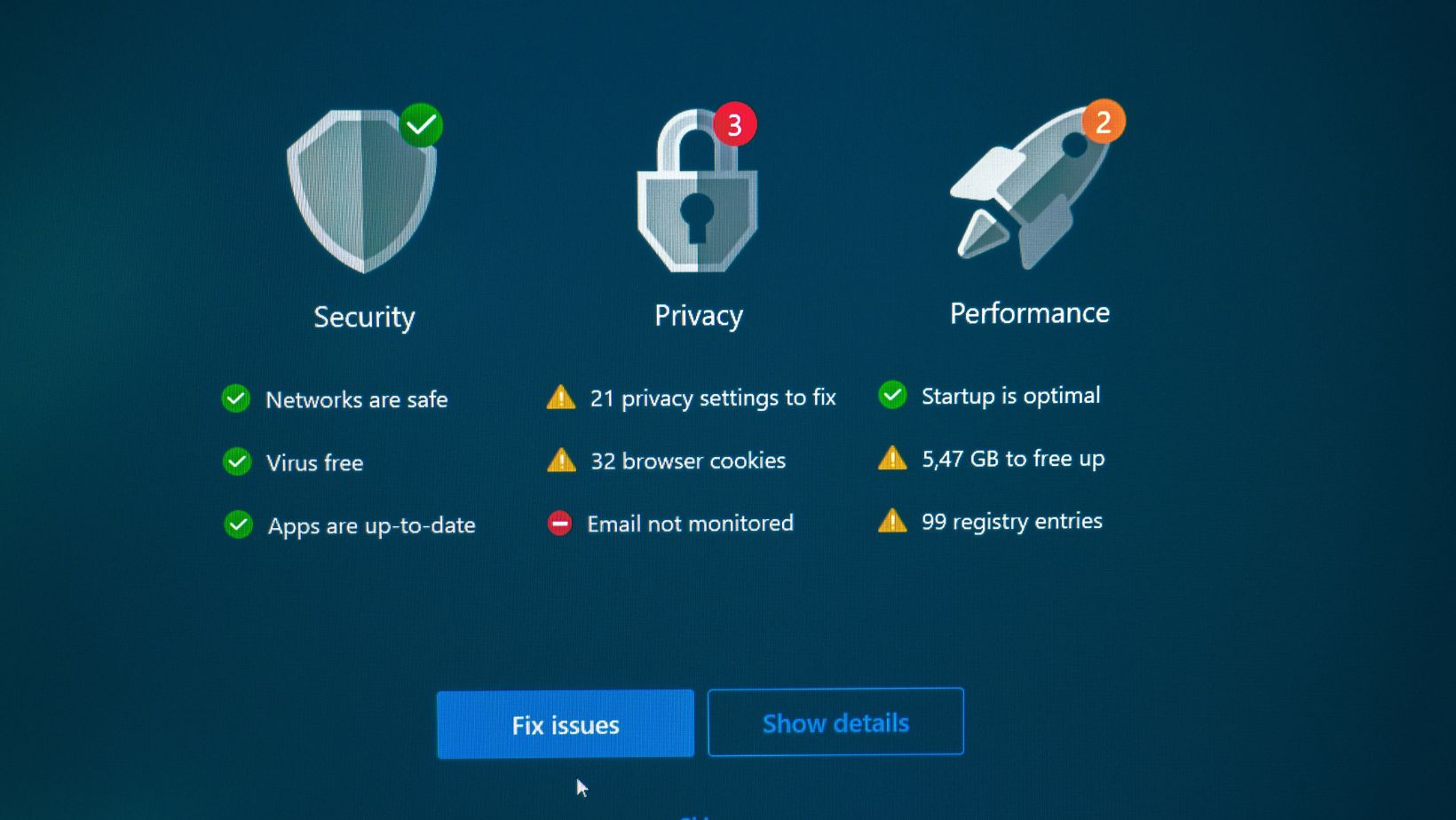
Security and performance are often overlooked aspects, but they are the most crucial when professionally sharing PDFs.
- Password Protection and Encryption Basics
Password protection is used to limit the people who can open a PDF file, whereas permissions define what the users can do with it; for example, printing or editing. Encryption is another layer put on top of that by turning plain texts into ciphertexts so that they cannot be read without a proper key.
The mentioned features are very crucial, especially if you’re handling tasks involving contracts, financial documents, and personal records.
- Using Digital Signatures for Trust and Authenticity
Digital signatures are the perfect way to check that a file hasn’t been altered and that the person signing is indeed who they say they are. They are different from scanned signatures as they can’t be tampered with in a hidden way and are recognized as valid by law in many places.
The use of digital signatures is typical in situations involving contracts, giving of consents, and making of submissions that are of an official nature and where the trustworthiness of the documents is essential.
- Reducing PDF File Size Without Sacrificing Quality
If your PDFs are too large, they’ll cause email attachments to become sluggish, and uploads will take longer than usual. However, if you are familiar with compression tools, this issue can be easily addressed by downsizing files through image optimization and removing already compressed or redundant data.
Some of the best habits to keep in mind are selecting the correct image resolutions, performing compression in advance of sharing, and not embedding the same fonts multiple times. These measures lead to shorter waiting times for the exchange of files while the visual quality remains almost indistinguishable from the original version.
Advanced PDF Features and Ideal Practices

If deal with PDFs on a daily basis across multiple devices, advanced features can give you digital freedom, save a lot of time, and reduce the number of errors made. Here’s how they can make your activities a walk in the park.
- Creating and Using Fillable PDF Forms
Fillable forms give users a way of inputting information straight into a PDF. Text fields, checkboxes, and dropdown menus turn forms into interactive documents that are simple to complete.
Applications, surveys, registrations, and internal workflows are just some of the examples where forms are used extensively. After completion, forms can either be saved, shared, or submitted digitally.
- Making Scanned PDFs Searchable with OCR
Scanned documents are essentially images. Optical Character Recognition converts those images into searchable, editable text.
Once your texts are searchable and editable, OCR can be an accessibility boon that is especially valuable for digitized archives and records management. While the technology isn’t flawless and requires some human checking, it can bring tremendous time savings to institutions that have large quantities of paper documents.
Moreover, by doing away with the retyping of texts, OCR also lowers the cost of data entry, which is the Achilles heel of most digitized systems.
- Archiving PDFs for Long-Term Use
Long-term storage involves more than just saving files to a folder. Best practices entail consistent naming conventions, version control, and the use of archival, friendly PDF standards.
Making regular backups and performing compatibility checks are ways by which documents can be ensured to be accessible even after several years.
- Sharing, Printing, and Accessibility Considerations
PDFs are shareable in a secure manner through email or cloud platforms. When it comes to printing, the right page setup and resolution will definitely help you avoid any kind of layout problems.
What’s more, accessibility matters the same amount. Using tagged PDFs, keeping a readable text order, and providing descriptive links are ways that support users with disabilities in using your documents.
Key Takeaways for Working with PDFs
PDFs are quite potent as they bring together uniformity, safety, and adaptability. Knowing their functionalities and also being able to edit, protect, and optimize them is a great way to lessen the burden of document management.
With the proper tools, one can easily perform tasks such as editing, collaboration, and file compression, thus maintaining quality and security across all workflows.

Rilwan Kazeem is a creative writer. He has worked in social media, content marketing, and SEO for four years. He has covered topics in multiple niches, including digital marketing, HR, emerging technologies, and their intersection with business. In his leisure, he loves to meditate and spend time with his family.





Discussion about this post