


Creating 3D models used to require learning complicated software like Blender or Maya. Today, that’s not the case anymore. By using AI, you can now generate usable 3D assets from a simple text prompt or a single image, making 3D creation much more accessible for everyone.
Many of these platforms also include things like texturing, animation, export tools, and libraries of ready-made assets, helping creators build projects without needing advanced modeling skills.
Whether you’re building your very first game, designing content for social media, experimenting with 3D printing, or just learning how 3D creation works, choosing a beginner-friendly platform can make the process so much easier.
In this guide, we’ll be taking a look at three of the best AI 3D model generators for beginners in 2026: Meshy, Spline, and Luma AI.
Quick Comparison
|
Tool |
Best For |
Free Plan |
Best Feature |
|
Meshy |
Best overall |
Yes |
Complete AI 3D workflow |
|
Spline |
Interactive web design |
Yes |
Browser-based 3D editor |
|
Luma AI |
Photorealistic 3D capture |
Yes |
AI object capture & NeRF |
Meshy
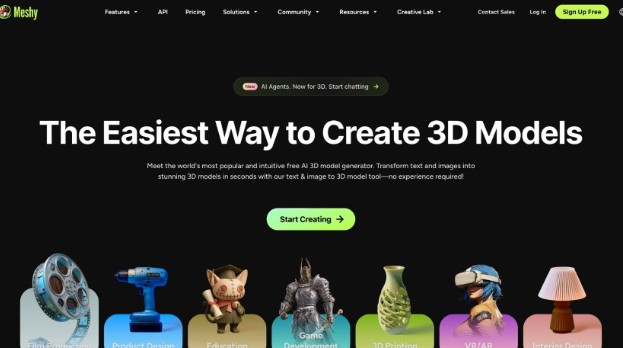
Meshy makes 3D creation incredibly approachable. Instead of building models from scratch, you simply type a prompt or upload an image, and the platform generates a production-ready 3D model in minutes.
Unlike many AI tools that only generate meshes, Meshy covers almost the entire workflow. With this platform, you can easily generate models, apply AI textures, automatically rig characters, add animations, and even export everything in formats supported by popular game engines and 3D software.
One feature beginners will appreciate in Meshy is the built-in AI Prompt Helper, which helps turn simple ideas into detailed prompts for better results.
The platform also includes a growing library of free community-created 3D models that you can browse, download, and remix for your own projects.
For character work, Meshy supports automatic rigging for humanoids and quadrupeds, plus an animation library with more than 500 ready-to-use motions. What’s more, those Animated models can be exported directly to Unity, Unreal Engine, Blender, Godot, and other supported software.
Pros
- Very beginner-friendly
- Text-to-3D and Image-to-3D generation
- AI texturing with PBR map support
- Automatic rigging and 500+ animation presets
- Free community 3D model library
- Supports FBX, GLB, OBJ, STL, USDZ, BLEND and more
- Works with Blender, Unity, Unreal Engine, Maya, Godot and other tools
Cons
- Advanced features require a paid plan
Best for: Beginners who want one platform for creating, texturing, animating, and exporting 3D models.
Spline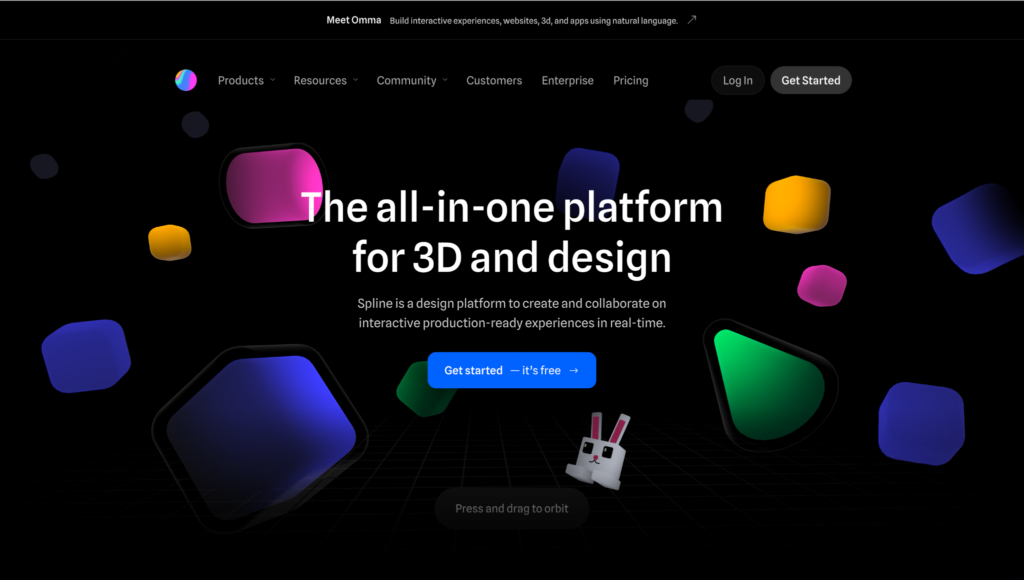
Spline takes a different approach from traditional AI model generators. It’s a browser-based 3D editor that lets beginners build, edit, animate, and publish interactive 3D scenes without installing complex software.
Its AI features can generate objects and scenes from text prompts, while the visual editor makes it easy to adjust materials, lighting, animations, and interactions.
Spline is especially popular with designers creating websites, landing pages, product demos, and UI prototypes because projects can be embedded directly into web experiences.
Pros
- Runs entirely in the browser
- Simple drag-and-drop interface
- AI scene generation
- Interactive animations
- Great collaboration features
Cons
- Better for interactive design than detailed game assets
- Advanced features require a paid plan
Best for: Designers and beginners creating interactive 3D content for websites and apps.
Luma AI
Luma AI focuses on creating realistic 3D assets from photos and videos using AI.
Instead of describing an object with text, you can capture it using your phone, and Luma AI reconstructs it as a detailed 3D model. This makes it especially useful for product visualization, architecture, virtual production, and digital content creation.
Luma AI also offers text-to-3D generation through its Dream Machine ecosystem, but its biggest strength remains realistic scene and object reconstruction.
Pros
- Excellent photorealistic quality
- Easy mobile capture workflow
- Great for real-world objects
- High-quality rendering
Cons
Best for: Beginners who want to turn real objects into realistic 3D models.
Tips for Choosing an AI 3D Model Generator
- If you’re completely new to 3D, choose a tool with a simple interface and AI-assisted workflows.
- Check which export formats are supported if you plan to use Blender, Unity, or Unreal Engine.
- If you’re creating game characters, look for automatic rigging and animation features.
- A library of free models can save time when you’re learning.
- Consider whether you need just model generation or a complete workflow with texturing, animation, and editing tools.
Conclusion
AI has made 3D modeling so much easier for beginners than ever before.
If you’re looking for the most complete solution, Meshy stands out thanks to its text-to-3D and image-to-3D generation, AI texturing, automatic rigging, animation tools, free community model library, and support for industry-standard file formats and game engines.
For interactive web design, Spline is a good choice, while Luma AI is ideal if your focus is creating realistic 3D models from photos and videos.
Together, all these platforms can help cover the needs of most beginners starting their journey into AI-powered 3D creation.










Discussion about this post