


Image-to-video AI is revolutionizing how creators produce content, turning static visuals into dynamic videos with ease. This cutting-edge technology empowers everyone—from influencers to marketers—to craft engaging clips without the need for advanced editing skills or expensive tools. Whether you’re looking to boost your social media presence or enhance a marketing campaign, image-to-video AI offers practical solutions for a variety of needs. In this guide, we’ll explore seven actionable ways creators are using this technology today, along with insights on how you can get started.
What Is Image-to-Video AI?
Before diving into the practical applications, let’s clarify what image-to-video AI is. This technology uses artificial intelligence to transform still images into animated videos by adding motion, transitions, effects, and sometimes audio. Many creators first prepare their visuals using an ai photo editing tool to remove distractions, adjust lighting, and upscale resolution, ensuring the base image is of the highest quality before the animation process begins. It analyzes the elements of a photo to simulate movement or create a narrative, making it a powerful tool for quick content creation. With AI handling the heavy lifting, creators can focus on their ideas rather than technical details.
7 Practical Uses of Image-to-Video AI for Creators
1. Creating Social Media Reels and Shorts
Social media thrives on short, engaging videos, and image to video AI makes it simple to turn photos into eye-catching Reels or Shorts for platforms like Instagram and TikTok. Creators can animate a single image—say, a travel photo or a product shot—into a dynamic clip with music and text overlays. This approach helps maintain a consistent posting schedule without hours of editing, keeping followers engaged with fresh content.
2. Showcasing Products for E-Commerce
E-commerce creators and small business owners are using image-to-video AI to transform static product photos into mini advertisements. By animating images to highlight features or show products in use, these videos grab attention on online stores or social ads. This method is cost-effective, allowing sellers to create professional-looking content without hiring videographers, ultimately driving more clicks and sales.
3. Animating Personal Memories
Many creators use image-to-video AI to breathe life into personal photos, turning family snapshots or travel memories into shareable videos. By adding subtle animations, background music, and captions, these clips become heartfelt posts for social media or keepsakes for loved ones. It’s an easy way to tell a story through visuals, making personal content more engaging and emotional.
4. Crafting Educational Content
Educators and online tutors are leveraging image-to-video AI to create explainer videos from static diagrams, charts, or illustrations. For instance, a science teacher might animate a diagram of the solar system to show planetary motion, making lessons more interactive. This technology helps simplify complex topics for students without requiring advanced video production skills, saving time while enhancing learning.
5. Designing Quick Marketing Teasers
Marketers are tapping into image-to-video AI to produce teaser videos for campaigns or product launches. A single poster or graphic can be turned into a short, animated clip with text callouts and effects, perfect for building hype on social platforms. This approach allows for rapid content creation, enabling brands to test different styles and messages without significant investment.
6. Making Memes and Viral Content
Image-to-video AI is a go-to for creators aiming to jump on viral trends with memes or funny clips. Starting with a static meme image, AI can add motion, zooms, or sound effects to amplify the humor and shareability. This quick turnaround is ideal for staying relevant in the fast-paced world of internet culture, helping creators rack up views and likes with minimal effort.
7. Enhancing Event Recaps
Event planners, influencers, and businesses use image-to-video AI to create recaps of events like weddings, parties, or corporate gatherings. By animating a series of photos into a cohesive video with transitions and music, creators can share highlights in a polished format. This method saves time compared to traditional video editing while delivering professional results for clients or followers.
Pollo AI for Seamless Video Creation
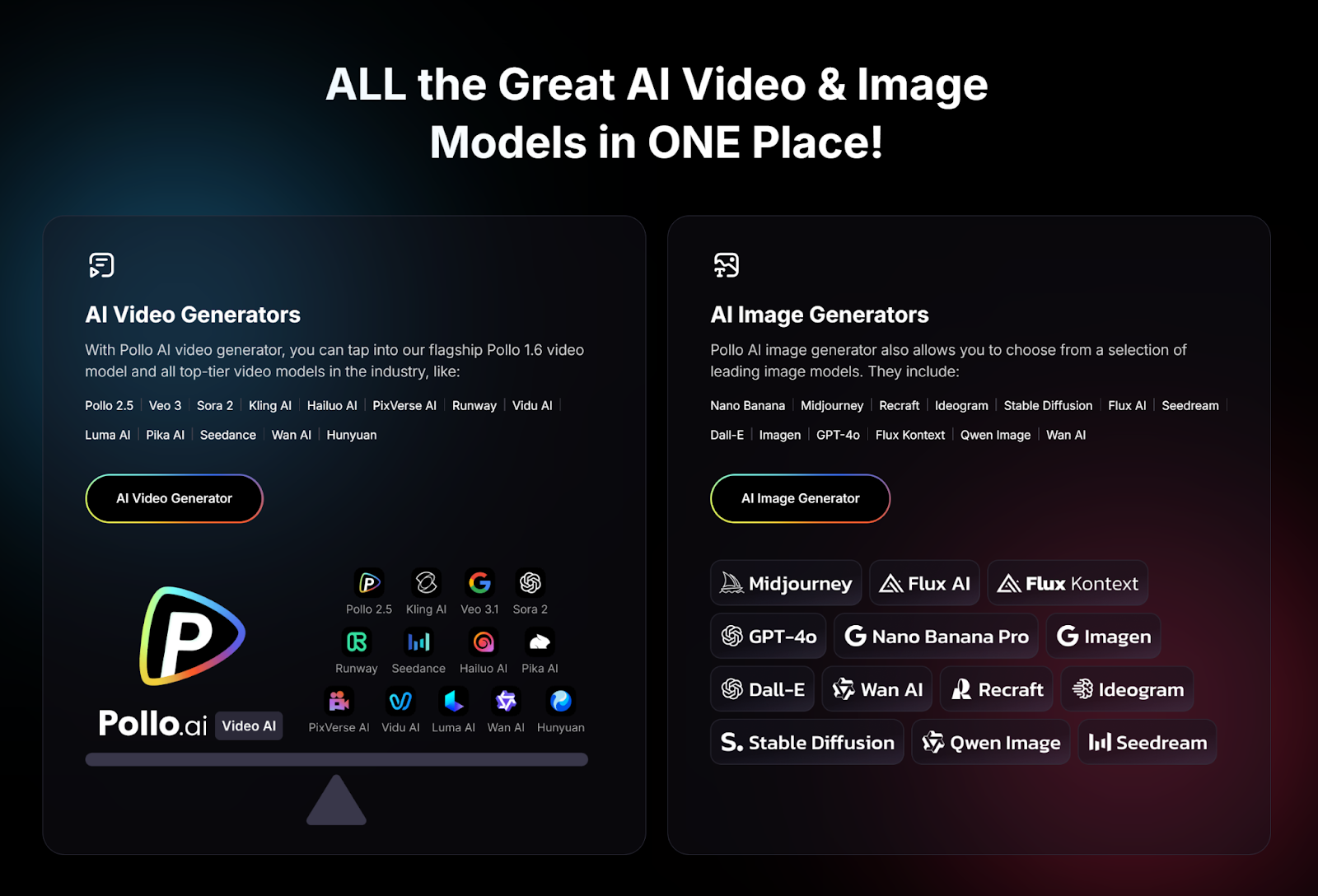
If you’re inspired to try image-to-video AI, Pollo AI is a fantastic starting point for creators at any level. As an all-in-one video creator APP, Pollo AI stands out with its no-edit, one-click feature, enabling you to generate viral videos from images or text in seconds. Simply upload your photo or input an idea, and Pollo AI handles everything—adding motion, effects, and transitions for a polished result ready to share. What makes Pollo AI especially valuable is its vast library of templates, catering to every niche and trend, ensuring your content aligns with current styles. Whether you’re animating a product shot for e-commerce or creating a social media Reel, Pollo AI’s intuitive design and powerful automation make it a top choice for effortless, high-impact video creation.
Why Image-to-Video AI Is a Game-Changer for Creators
Image-to-video AI is transforming content creation by saving time, reducing costs, and democratizing video production. Creators no longer need expensive gear or years of editing experience to produce professional-quality videos. Tools like Pollo AI make it possible to turn a single image into a captivating story, helping creators focus on their message rather than technical hurdles. This technology also allows for scalability—whether you’re posting daily on TikTok or launching a full marketing campaign, AI streamlines the process.
Conclusion
Image-to-video AI is empowering creators in practical, exciting ways, from crafting social media shorts to enhancing product listings and personal memories. The seven uses we’ve explored—social media content, product showcases, personal animations, educational videos, marketing teasers, viral memes, and event recaps—demonstrate the versatility of this technology for creators across niches. With tools like Pollo AI, getting started has never been easier. Ready to transform your images into dynamic videos? Share your thoughts in the comments!







Discussion about this post