



Meetings should be a working tool. However, they frequently leave people with the task of putting notes together, re-listening to recordings, and locating decisions that were missed.
In fact, most employees are interrupted every 2 minutes either by meetings, emails, or pings during work hours. Bloggers, marketers, and small teams, for instance, have their writing time, campaign planning, and client delivery slowly reduced by this invisible work.
AI meeting note apps can lend you a helping hand, but they must be compatible with your actual working method to be effective.
Here you will find a review of the tools that really fit your workflow: a demonstration of situations when they work and explanations of their limitations and of the users who will benefit most.
- Happy Scribe: For turning meetings into accurate, reusable content
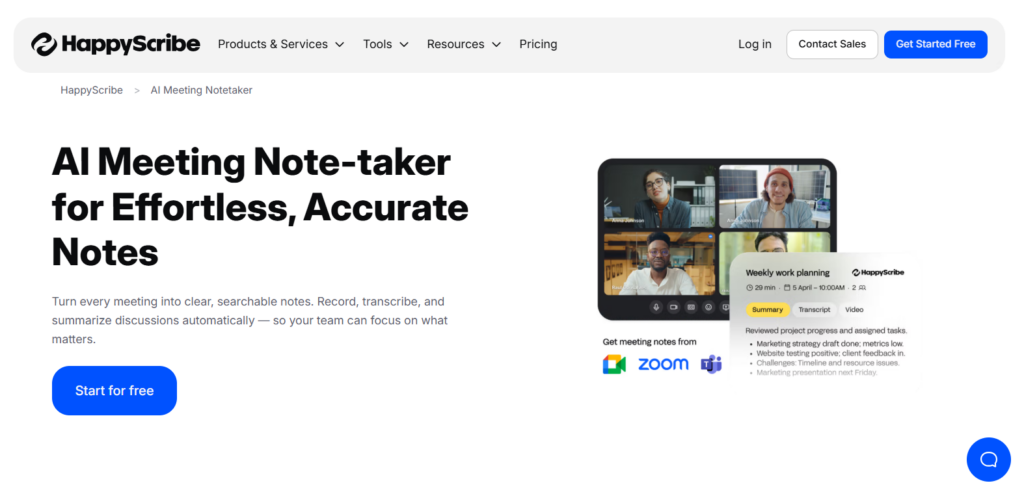
When your meetings are more than ordinary discussions, and they generate articles, reports, or training materials, accuracy and structure also become crucial. An AI meeting notetaker like HappyScribe becomes essential for teams whose meetings are used as content that can be reused, hence it’s not seen as mere conversations to be discarded.
Usually, bloggers, marketers, and small businesses upload recordings of meetings, interviews, or webinars, then go through the transcripts, correct and polish them, before finally turning them into blog posts, summaries, or subtitles.
Key features include:
- High accuracy of transcriptions across different accents and topics
- Strong manual editing and speaker identification
- Supports subtitles and multilingual content
- Nice for accessibility and content repurposing
Best suited for:
- Workflows that consider clarity, accessibility, and editorial control.
- Those making content, SEO teams, and businesses whose meetings are recycled in the form of written assets.
Limitation: Less focus on real-time meeting summaries and task tracking.
- Otter: For real-time meeting notes and fast team alignment
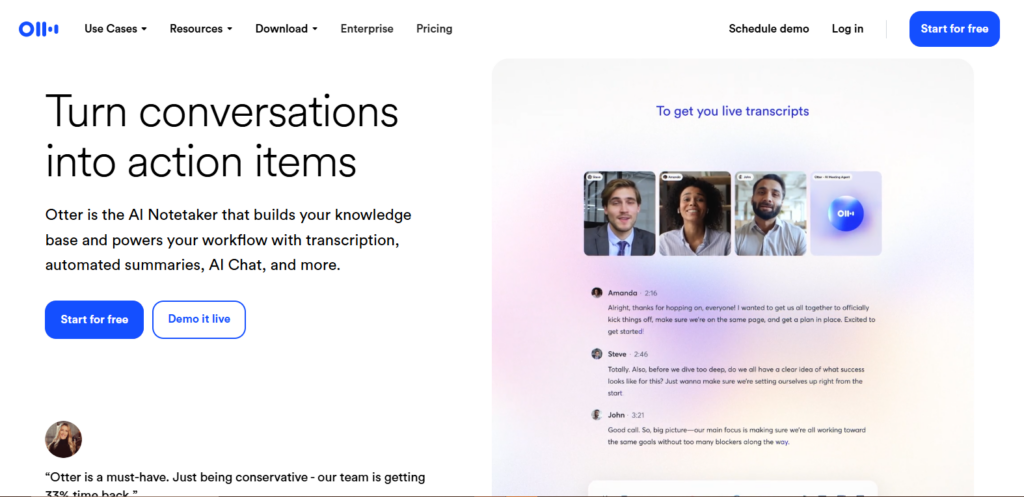
Some team members don’t like to wait until after the meeting to understand what happened. Otter is made for live situations where the time factor and the need for everyone to see the same thing are important.
It’s common among marketing and sales groups that record their meeting discussions live. They rely on the automatic summaries and highlight features to get the stakeholders aligned very quickly.
Key strengths include:
- Real-time transcription during meetings
- Generated summaries and highlighted keywords
- Sharing with teammates is very simple
- Video conferencing tools integrations are solid
Best suited for:
- Brainstorming sessions and recurring team syncs.
- Marketing and sales teams that value rapid work and teamwork.
Limitation: Usually, transcripts require some cleaning up before publishing.
- Fireflies.ai: For capturing action items and decisions automatically
A detailed transcript is not necessary for every meeting. Often, only decisions and persons in charge are important. Fireflies.ai is more focused on outcomes than on documentation.
Startup teams and small companies use this tool for a spontaneous capture of client service and internal meeting talks; the action items, decisions, and follow-up are then easily synced with task or CRM tools.
Key strengths include:
- Automatically extracts action items
- Integrations with project and CRM tools
- A searchable meeting archive
- Helpful for recurring meetings
Best suited for: Startups and execution-focused teams.
Limitation: Little control of transcript formatting.
- Avoma: For freelancers and consultants managing multiple client calls
If you’re a freelancer or consultant looking for more structure than basic summaries but less overhead than enterprise systems, Avoma is a great option. It fits workflows where meetings need to be documented cleanly and referenced later.
Most of the time, its users depend on it for talking to clients, taking client reviews, and making consultations, where they create a history of conversations that can be searched, without them having to make notes.
Key strengths include:
- Well-defined summaries and insights
- Very good at handling multiple clients
- Manual follow-ups are reduced
- Neat conversation organization
Best suited for: Freelancers, consultants, and client-facing professionals.
Limitation: A coffee meeting can be too much of an overkill.
- Trint: For high-accuracy transcription in research and compliance workflows
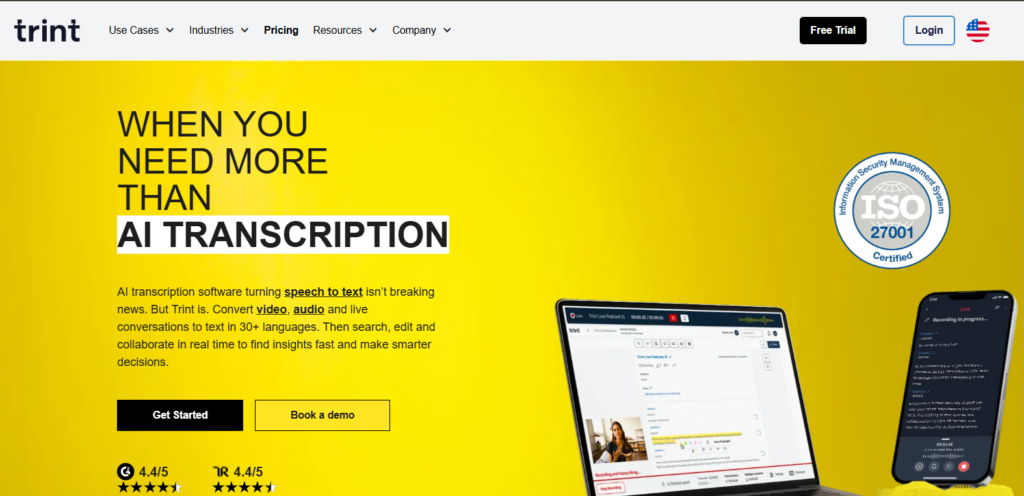
Within academia, research, or regulatory environments, precision and being able to trace back the sources are essential, and there’s no room for negotiation in these matters. Trint is the preferred option in cases where the transcripts should be dependable to the extent that they can be quoted, published, or used for compliance.
Students, researchers, and the organizations they belong to employ such a tool for recording interviews, panels, and formal meetings, the contents of which need to be thoroughly checked and verified.
Key strengths include:
- High transcription accuracy
- Strong editing and collaboration tools
- Reliable for formal documentation
- Suitable for compliance-heavy workflows.
Best suited for: Researchers, students, and compliance-focused teams.
Limitation: Higher cost compared to lightweight tools.
- Fathom: For asynchronous teams that need quick meeting summaries
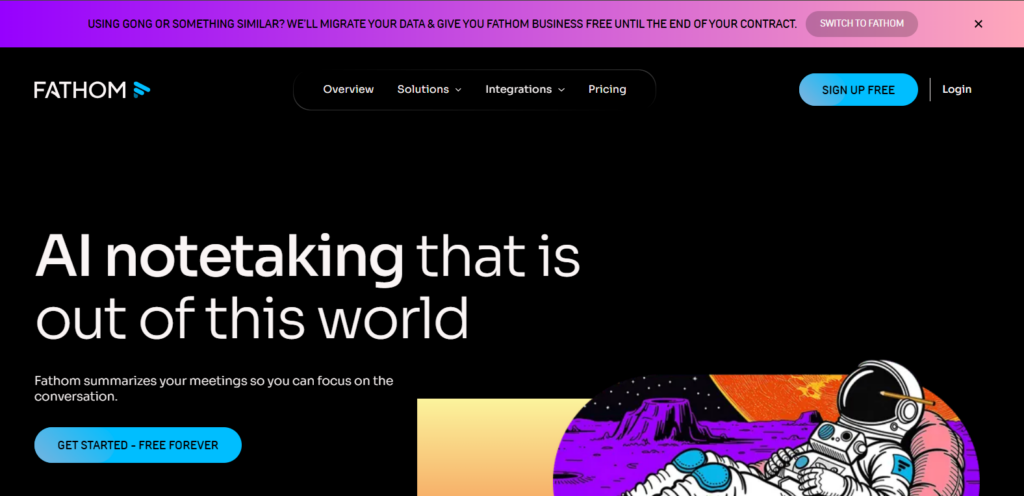
Remote and distributed teams frequently find it difficult to deal with the excessive number of meetings. Fathom is aimed at helping people who were not in the meeting to get the most out of the meeting session.
Teams rely on it to produce summaries and circulate short highlights, thus cutting down the number of repeat meetings and extensive follow-ups.
Key strengths include:
- Instant summaries after meetings
- Easy highlight sharing
- Simple setup and low friction
- Supports asynchronous work
Best suited for: Remote teams and distributed startups
Limitation: Limited depth for long-term transcript reuse
- tl;dv: For building a searchable archive of past meetings
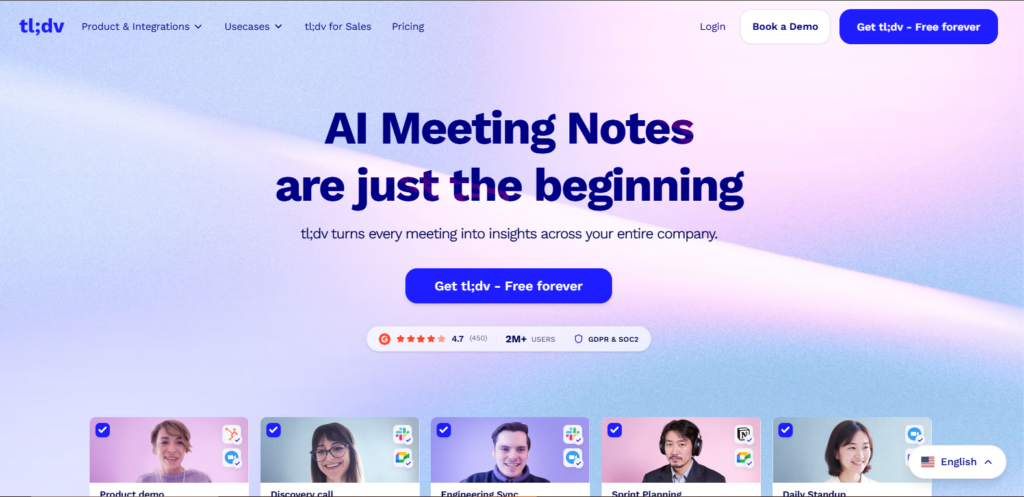
As more and more meetings take place, it becomes tougher to find the ideas that were shared back then. tl;dv lets your team create an indexed library of talks that is fully searchable, so that you can easily track down decisions and ideas laid out at any point in time.
SEO teams and product marketers typically find it most valuable as a resource for their past strategy discussions without having to listen to the whole recording again.
Key strengths include:
- Highlights with timestamps
- A searchable archive of meetings
- Great for long-term projects
- Collaboration tools for the team
Best suited for: Strategy, product, and SEO teams dealing with continuous projects.
Limitation: Less emphasis on polished transcripts.
- Tactiq: For simple, affordable meeting notes inside existing tools
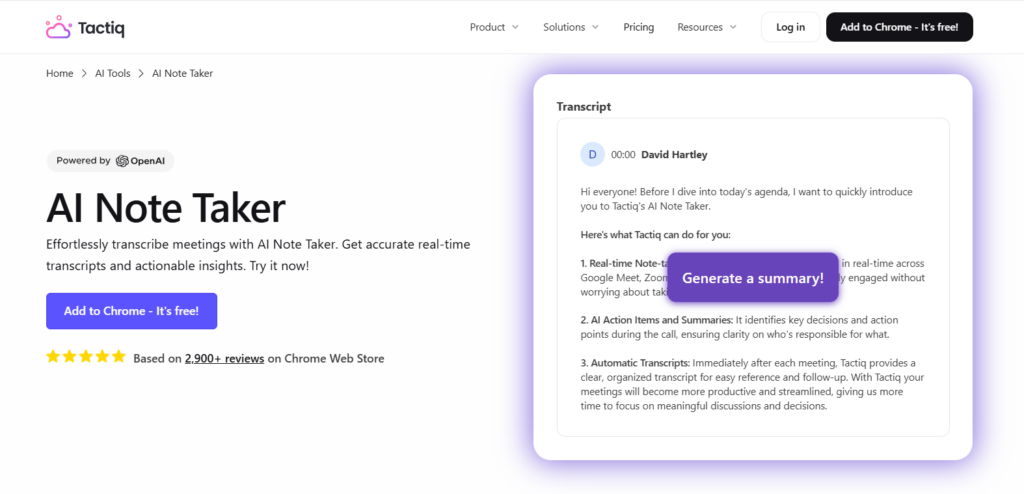
It’s a question of necessity; not everyone requires sophisticated automation. Tactiq is a good fit for those who prefer simple meeting notes without the fuss of complicated installation or the burden of a high price.
Often, students and solo creators use it with Google Meet to record conversations and later export notes to tools they are already familiar with.
Key strengths include:
- Quick & easy browser-based setup
- Affordable pricing
- Easy exports to Docs and Notion
- Minimal learning curve.
Best suited for: Students, solo bloggers, and creators with a limited budget.
Limitation: The advanced features are limited.
- MeetGeek: For automated meeting summaries and shared team knowledge
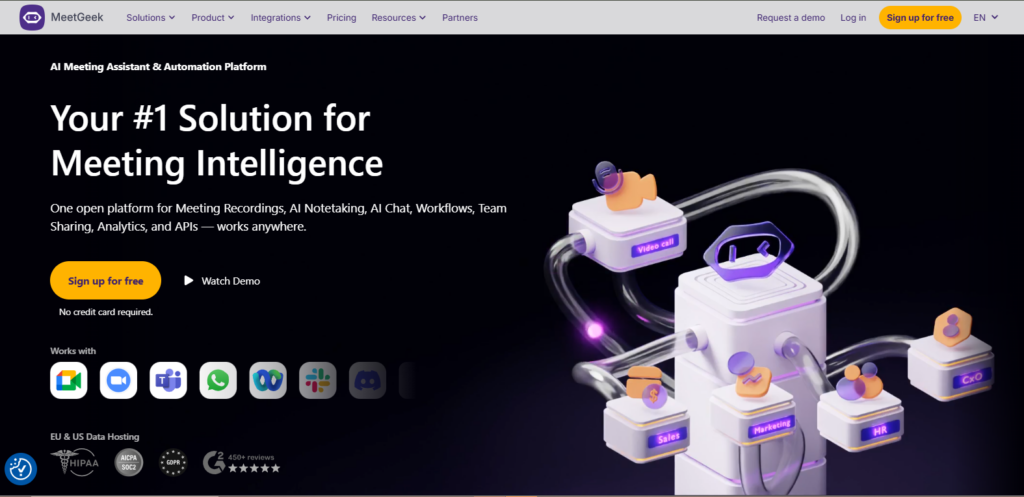
When teams require automatic recording, structured summaries, and easily searchable meeting archives, MeetGeek is a good option. It can capture meetings, transcribe the conversations, and create summaries, even if you don’t manually tag every single call or join them.
Most times, it’s those teams that want meeting outcomes to reflect directly in their project workflows without an additional manual effort that choose MeetGeek.
Key strengths include:
- Conference automatic notes and summaries
- A single repository of meetings for easy reference
- Integrations with different software, e.g., calendars and CRMs
- Compatible with Zoom, Teams, and Google Meet
Best suited for: Teams and small businesses that want to get automated summaries. Those create a searchable knowledge base with very little initial setup.
Limitation: Transcription accuracy compared to the best tools might fluctuate.
How to Choose the Right AI Meeting Note App for Your Workflow
Before comparing features of different tools, it’s a good idea to accurately assess what kind of output from meetings will satisfy your team in the first place. Besides that, budget, need for collaboration, and compliance may also be factors.
If meetings are a source of content and SEO visibility, or documentation, it’s only natural that accuracy and editing capability should be at the top of the priority list.
A rapidly changing team may, therefore, put more value on speed and integration. While a single user or student may have simplicity and price as top priorities.
The ideal tool is the one that takes the least effort out of your way, not the one that has the longest list of features.
Final thoughts: choosing what actually helps
AI meeting note apps are helpful only when they really make things easier for you. Some are great at producing content from meetings. Others emphasize quickness, responsibility, or teamwork.
Your ideal pick should be based on where meetings lie in your writing, marketing, or operational tasks, rather than on the features.
Choose a tool that matches your current work routine, and allow it to whisk away the background tasks so you can concentrate on the next things.
——

Rilwan Kazeem is a writer who focuses on how technology, people, and strategy shape modern businesses. With several years of experience in content marketing, SEO, and digital platforms, he breaks down complex topics into clear, practical insights for diverse audiences. Away from work, He values stillness through meditation and prioritizes time with his family.










Discussion about this post